What Does CFS Mean on Instagram? 5 Secrets You Didn’t Know
If you’ve been on Instagram lately, you might have seen the letters CFS in a story or message. CFS means Close Friends Story. It’s a special Instagram feature that lets you share a story with only a small group of people you choose. This makes it easier to keep some posts private and share them only with people you trust. Many users search for CFS because it changes how we share and connect online.
CFS is part of a bigger change on social media. People are starting to share less with everyone and more with smaller, private groups. Instagram says this feature was made to give us more control over who sees our posts. For many, that means less stress and more fun when posting stories.
What Does CFS Mean on Instagram?
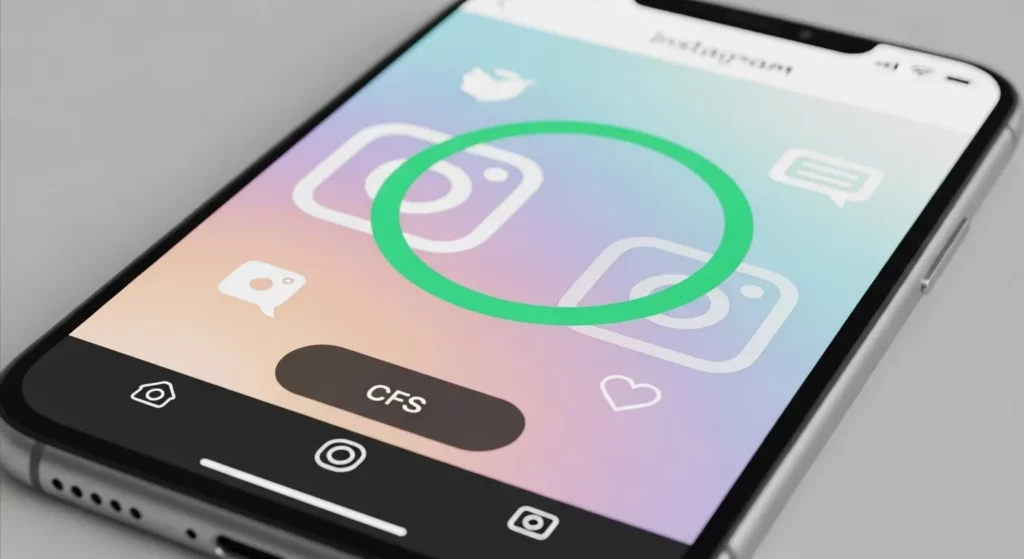
If you’ve been on Instagram, you might have seen a green circle around someone’s story and wondered what it means. That green circle shows a “Close Friends Story,” or CFS. This is a special type of Instagram Story that only certain people can see. Instagram added this feature in 2018 so users could share personal moments with a smaller, trusted group. It’s a way to keep some things private while still sharing with people you choose.
Definition of CFS
CFS means “Close Friends Story.” It lets you post a story for only the people on your Close Friends list. Regular stories are open to all your followers unless you hide them. But with CFS, you pick who can see it, and they’ll know because the story has a green ring instead of the normal orange and pink one. I often use CFS when I want to share something funny or personal without showing it to everyone on my account.
Difference Between CFS and Similar Instagram Terms
CFS is not the same as “CF” (Close Friends), “Finsta” (a second, private Instagram account), or “DM” (direct message). With a Finsta, you have to make a whole new account. With CFS, you just use your main account but choose who sees the story. This is quicker and easier when you want to share a personal update or inside joke with only certain friends.
When and Why the Term Appears
You might see “CFS” in captions, messages, or even in posts when someone says, “It’s on my CFS.” People use it when they plan to share something with their Close Friends list. I’ve seen friends post hints on their public stories to make others curious about their CFS content. It can make the list feel like a VIP group where only a few get to see what’s really going on.
Origin of the CFS Feature

In 2018, Instagram added a new tool called Close Friends Story. Before this, any story you posted could be seen by all your followers. That wasn’t always a good thing — sometimes you want to share something only with a few people. Instagram made CFS so you could pick who sees certain stories. I remember trying it the first week it came out, and it felt freeing to share silly videos without strangers watching.
Instagram created CFS to give people more privacy and a way to share in a smaller, safer space. It works a lot like Snapchat’s private story, but inside Instagram. You choose a small group of friends, and only they can see the stories you post to CFS. I often use it for family news or fun moments that I don’t want on my public profile. It’s a great way to keep things personal but still connected.
Since then, Instagram has made CFS easier to use. Now it’s quick to add or remove people from your list. The green circle around your profile picture lets your friends know it’s a Close Friends Story. Even years later, it’s still popular because it solves a simple problem — sharing with only the people you trust.
How the CFS Feature Works

Creating a Close Friends List
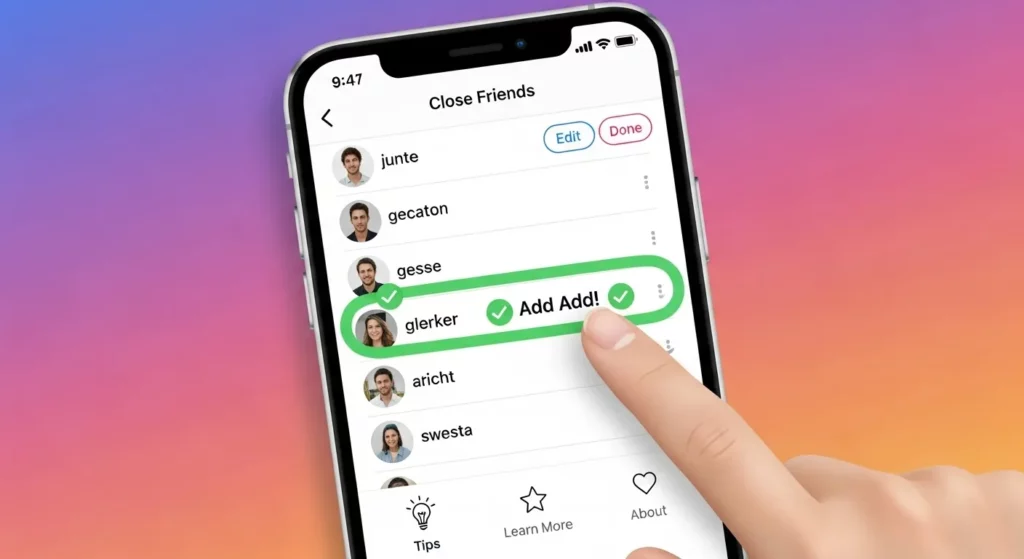
The Close Friends list is like a private guest list for your Instagram Stories. To make one, open your profile, tap the three lines at the top right, choose Close Friends, and pick the people you trust. You can add or remove people anytime, and they won’t get a notification. When I first set mine up, I added my best friends, my sister, and a few cousins so I could share vacation photos without showing everyone. It feels like having your own private chat room inside Instagram.
Sharing Stories to CFS
Once your list is ready, posting to it is easy. When you add a Story, you’ll see two buttons: Your Story and Close Friends. Tap Close Friends, and only the people on your list can watch it. A small green badge will show you it’s private. I like using this for everyday moments, like baking cookies or sharing behind-the-scenes clips, without worrying about strangers or coworkers seeing them.
Who Sees CFS Stories (Green Ring Indicator)
If you see a green ring around someone’s profile picture in Stories, it means you’re on their Close Friends list. That ring shows you’re part of a special group who can see that post. It’s like getting a VIP pass to their private content. I think it’s a smart way for Instagram to make certain stories feel special without telling everyone else.
Managing Your List (Add or Remove People)
Your Close Friends list is not fixed — you can change it anytime. Just go to Close Friends in your settings, search for names, and tap to add or remove them. Instagram won’t tell people if you take them off the list. I update mine often — I add new friends I trust, and remove people I don’t talk to anymore. This keeps the list real and personal.
Benefits of Using CFS
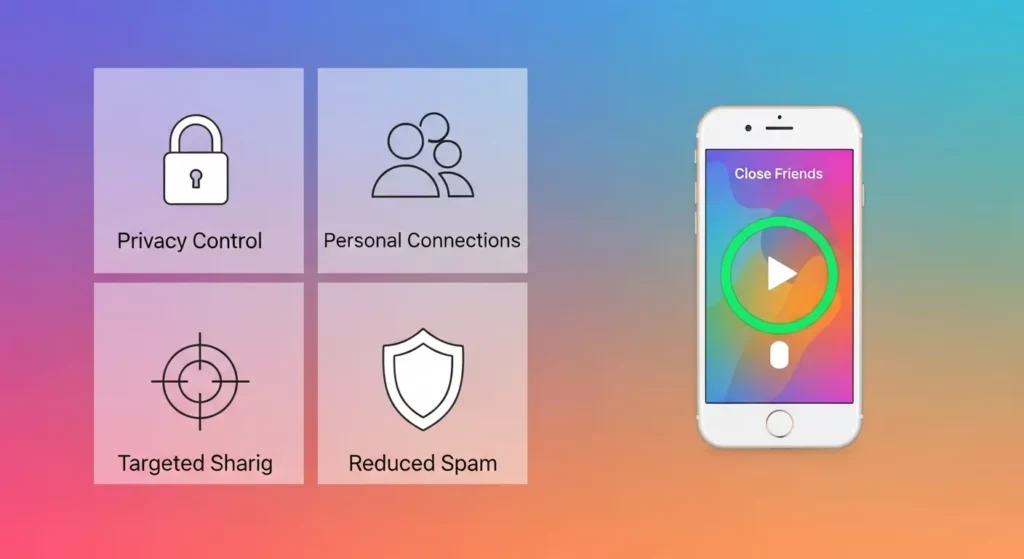
Privacy Control
CFS lets you choose who can see your Instagram Stories. Instead of showing them to all your followers, you can share them only with people you trust. This means you can post personal moments without worrying about strangers watching. I’ve shared family pictures and vacation clips with my Close Friends list and felt safe knowing only they could see. Instagram says in their Help Center that no one outside your list can view these stories.
More Personal Connections
When someone is on your Close Friends list, they feel special. The green ring around a CFS story shows it’s just for them. I’ve noticed my friends reply more often to these private stories because they feel more personal. Sharing only with close friends makes your conversations warmer and more real. It’s like having a private table with friends in a busy café.
Targeted Content Sharing
CFS is also great for sharing the right content with the right people. You can post event invites, project updates, or behind-the-scenes moments without bothering everyone else. I’ve used it to show early previews to clients and friends who care most. This keeps my main feed clean but still lets me share important things with the right audience.
Reduced Spam or Unwanted Viewers
Public stories can bring views from people who aren’t really interested. With CFS, you avoid random reactions and keep your story replies from people you actually want to hear from. I used to get comments from old contacts I hadn’t talked to in years. Now, with Close Friends, I only get replies from people I trust and enjoy talking to.
When a girl sends you “CFS” in a text or on Instagram, it usually means “Close Friends Story.” This is Instagram’s private story feature where only certain people can see what she posts. She might use “CFS” in a caption or DM to tell you that you’re in her special group. If she says, “Check my CFS,” it’s her way of asking you to look at her green-ring story. Sometimes it’s just for fun, but other times, it’s meant to feel a bit more personal.
From my own experience, “CFS” can mean different things depending on who sends it. Friends often use it to share inside jokes, weekend photos, or silly moments they don’t want the whole world to see. But if it’s from someone you’re closer to, it can feel flirty. It’s like they’re saying, “I picked you to see this.” I’ve seen Gen Z use it more for playful posts, while millennials often stick to private updates.
Different age groups also use “CFS” in their own style. Gen Z might mix it with emojis or short phrases like “FR” or “LOL” to make it casual. Millennials might type it out clearly or even write “Close Friends” instead of the short form. No matter the style, the meaning is the same — it’s an invite to something more private, and how it feels depends on your connection with the person.
CFS vs. Other Social Media Private Story Features
Comparison with Snapchat Private Story
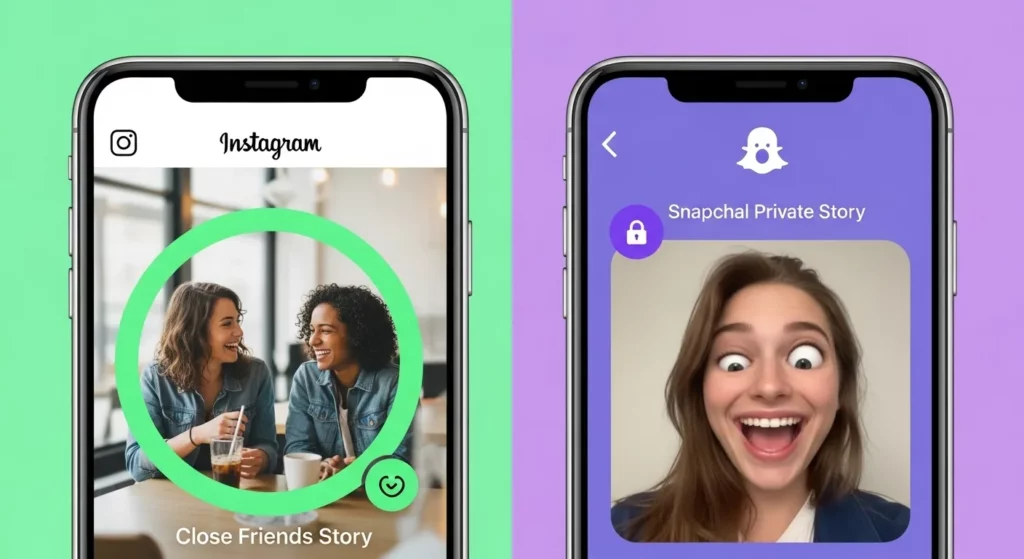
Snapchat’s Private Story is a lot like Instagram’s Close Friends Story (CFS), but it gives you more control. On Snapchat, you can make more than one private story and choose who sees each one. For example, one group could see your “School Trip” story, and another could see your “Weekend Party” story. From my own use, Snapchat feels more relaxed and unplanned, while Instagram CFS is usually more polished. If you like keeping friend groups separate, Snapchat is better for that.
WhatsApp Close Friends Alternative
WhatsApp doesn’t have a “Close Friends” button, but it has something close. You can change Status Privacy to show updates to “My Contacts,” “My Contacts Except…,” or “Only Share With…” This is how I send quick updates to just family or a few close friends. WhatsApp is also very private because it uses end-to-end encryption, which means no one else can see what you post. If you care most about privacy, WhatsApp is a safe choice.
TikTok “Friends” Post Setting
TikTok has a “Friends” setting for posts. When you pick it, only people you follow who also follow you back can see your video. It’s not as personal as CFS or Snapchat, but it works if you just want to share with people you know. I use it when I want to test a video without showing it to the whole world. TikTok’s way is faster to set up, but you can’t pick viewers one by one.
Common Misunderstandings About CFS
A lot of people mix up what CFS means. On Instagram, it stands for Close Friends Story, but in the shipping world, CFS means Container Freight Station. That’s about moving cargo, not posting stories. I once had a friend who thought everyone on Instagram was suddenly talking about shipping containers. We laughed when I told them it was just about sharing stories with close friends.
Some people also think CFS is just random slang. I’ve heard guesses like “Can’t Find Something” or “Care For Some…” followed by a joke. On apps like TikTok or Snapchat, slang changes fast, so it’s easy to get confused. But if you see CFS on Instagram, it almost always means Close Friends Story.
Others get worried when they see “CFS” in a message. They might think it’s a secret group, a marketing trick, or something they’re missing out on. I’ve worked with small business owners who thought it was an influencer program name. In truth, it’s just a way to share a story with people you choose. Once you know that, it’s easy to use and a lot less mysterious.
How to Make the Most of CFS
Tips for Curating Your List
To get the best use out of Instagram’s Close Friends Story, you need to be picky about who you add. Don’t put everyone in there. Keep it small so it feels special — I keep mine around 20 to 30 people. These are friends I trust, people I’ve met in real life, or online friends I’ve built a strong bond with. Think of it like inviting friends to hang out in your living room, not shouting in a big crowd.
Creative Ways to Use CFS
CFS is great for moments you don’t want everyone to see. I use mine for quick polls when I’m making a choice, behind-the-scenes clips from work, or testing content ideas before I post them to all my followers. Sometimes I share sneak peeks of projects or events with my close friends first — it makes them feel special. I’ve also seen people share inside jokes, unfiltered photos, or short how-to videos. It’s a safe space to relax and have fun.
Making CFS Work for Engagement
If you use Instagram for your personal brand or business, CFS can help build trust. Share early updates, special offers, or personal thoughts with your close friends list. When I do this, those people often like and comment more on my public posts too. It’s like giving them a VIP pass — they feel like part of your journey. Just keep the content personal and interesting so it stays worth it for them.
FAQs (Frequently Asked Questions)
Can people tell if they’re on your CFS list?
No — Instagram doesn’t tell people when you add them to your Close Friends list. The only clue is a green ring around your profile picture when you post a CFS story. I’ve seen friends notice it right away and say, “Oh, I’m on your Close Friends!” But if they miss it, they won’t know. Instagram keeps it private so you can choose freely.
Can you remove someone without them knowing?
Yes, you can remove someone from your CFS list and they won’t get a message about it. I’ve done this before when I wanted my list to be smaller. Once you take them off, they won’t see your Close Friends Stories anymore. If you change your mind, you can always add them back. Just go to your Instagram settings and update your Close Friends list.
Can you screenshot a CFS story?
Yes, anyone on your CFS list can screenshot your story — and Instagram won’t tell you if they do. That’s why I only share things in CFS that I’m okay with others saving. Even though CFS feels private, it’s still the internet. Think of it like telling a small group a secret — you should trust everyone in that group.
How to leave someone’s CFS list?
You can’t remove yourself from someone else’s Close Friends list. But you can mute their stories so you don’t see them. I’ve done this when someone was posting too many updates I didn’t care about. To mute, go to their profile, tap Following, then Mute, and turn on “Stories.” They won’t know you muted them, and you can still follow them.
Conclusion
CFS on Instagram means Close Friends Story. It is a tool that lets you share certain Stories only with people you choose. It’s like having a small, private room inside Instagram where only invited friends can join. This makes your posts feel more personal and safe. Instead of showing hundreds of followers, you are sharing with a few trusted people.
I use CFS all the time, and it has made Instagram more enjoyable for me. I post family photos, funny moments, or casual selfies without worrying about strangers seeing them. It feels like chatting with a friend in a quiet café instead of yelling in a big crowd. The green ring around a CFS story shows it is for a private audience only.
Even with privacy, you still need to be careful. Choose your Close Friends list wisely and check it often. Someone could still take a screenshot of your story. Use CFS like a trusted group, not a secret that can never be shared. When you use it well, it keeps your personal life safe and makes Instagram feel like a friendly, close community.