What Does Active Today Mean on Instagram? Clear Answer

When you open Instagram and check your messages, you might see words under a person’s name like Active Now, Active 2h ago, or Active Today. These are called activity statuses. They show the last time someone was using Instagram. It works kind of like a “last seen” sign that you may have noticed on apps like WhatsApp or Facebook Messenger.
These little updates may look simple, but they matter. They can change how fast a conversation moves, how friends stay connected, and even how businesses respond to customers. That’s why it’s important to understand what Active Today really means.
Instagram Activity Status Overview
What is Activity Status on Instagram?
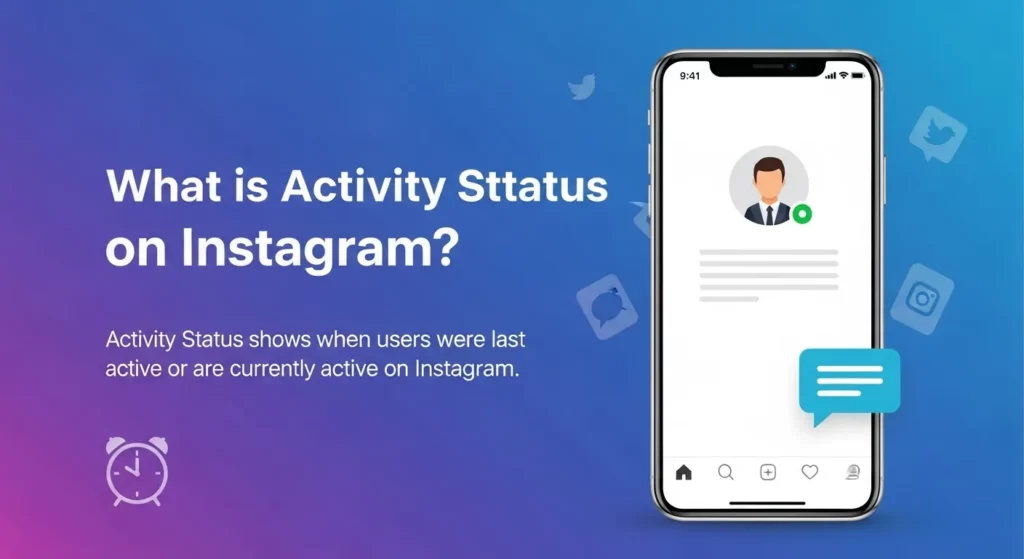
The Activity Status on Instagram shows when someone was last online. It’s kind of like a “last seen” feature, just like on WhatsApp or Messenger. If your Activity Status is turned on, people you follow and message can see when you were last active. A little green dot next to your name means you are online right now.
You mostly see this inside Instagram DMs (Direct Messages). For example, under a friend’s name, you might notice “Active 2h ago.” I’ve used this a lot when I want to know if someone might reply soon. If they were active just a few minutes ago, there’s a good chance they’ll see my message quickly.
You can also control this in your settings. If you go to Settings > Privacy > Activity Status, you can switch it off. But here’s the catch: if you turn it off, you won’t be able to see when other people are active either.
Types of Activity Status
Instagram shows activity in a few different ways. Each one tells you how recently a person used the app.
-
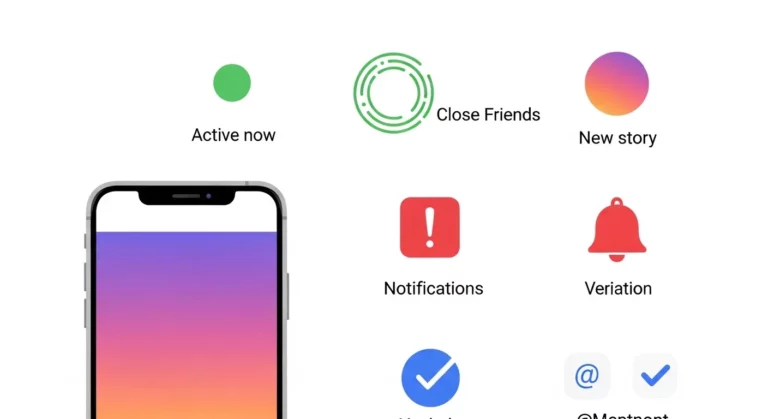
Active Now: The person is on Instagram right this moment. You’ll usually see the green dot with this.
-
Active X minutes/hours ago: This shows exactly when they were last online, like “Active 10m ago” or “Active 3h ago.”
-
Active Today: This means the person was on Instagram sometime in the past 24 hours, but not in the last 8 hours.
-
Active Yesterday: This means they were last online the day before.
From my own experience, “Active Today” feels less exact than “Active 3h ago.” Sometimes I wish it showed a more specific time. Still, I think Instagram does this on purpose to give people more privacy, while still letting friends know if someone has been around recently.
What “Active Today” Means
Definition of Active Today
When Instagram shows “Active Today,” it means the person was online in the last 24 hours, but not in the past 8 hours. For example, if someone used Instagram at midnight and you check at 10 a.m., you’ll see “Active Today.” This status is more general, so it doesn’t tell you the exact time.
This is different from “Active Now” or “Active X hours ago.” “Active Now” means the person is on Instagram at that exact moment, often with the green dot. “Active 2h ago” is more exact and shows the last time they were online. “Active Today” just means sometime in the past day, but not recently.
How Instagram Calculates “Active Today”
Instagram uses time rules to decide what to show. If someone was online less than 8 hours ago, it shows “Active X hours ago.” After 8 hours pass, Instagram changes it to “Active Today.” If it has been more than 24 hours, it switches to “Active Yesterday.”
From my own experience, this is not always exact. I’ve seen times when Instagram showed “Active Today,” even though I knew my friend was online just a little while ago. This can happen because the app runs in the background or when someone only checks a quick notification. Even Instagram’s Help Center says the activity status is only an estimate, not 100% perfect.
Examples of “Active Today”
Here’s how it works in real life. Scenario 1: Your friend was last online at 9 a.m. You check Instagram at 6 p.m., which is 9 hours later. Since it’s more than 8 hours but less than 24, Instagram shows “Active Today.”
Scenario 2: Your friend was last online at 2 a.m. You check again at 10 p.m., which is 20 hours later. That still counts as “Active Today.” Once it goes past 24 hours, it will switch to “Active Yesterday.” I’ve seen this often when messaging friends in other countries, and it helps me know they were online that day even if I missed them.
Differences Between Activity Statuses
Active Now vs Active Today

“Active Now” means the person is on Instagram at this moment. You’ll usually see a green dot or the words “Active Now” next to their name. “Active Today” is different—it means the person was on Instagram sometime in the last 24 hours, but not in the past 8 hours.
I remember once I saw “Active Today” and thought my friend was online, so I sent a message right away. Later I found out they hadn’t been on Instagram for almost half a day. If you want to know if someone can reply right away, always check for “Active Now,” not just “Active Today.”
Active Today vs Active Yesterday
“Active Today” means someone used Instagram within the last day. “Active Yesterday” shows up when the person didn’t use Instagram at all today, but they did use it the day before. Instagram usually makes this change after 24 hours.
When I was traveling, I noticed a little mix-up. Because of time zones, my friends saw “Active Yesterday” even though I had used Instagram earlier in my day. Instagram shows activity based on each person’s local time, so it can look different depending on where you are.
Active Today vs Hours Ago
Sometimes, instead of “Active Today,” Instagram shows “Active 3h ago” or “Active 7h ago.” This happens when the person was online in the past 8 hours. After that 8-hour mark passes, Instagram switches to “Active Today,” and it stays there until 24 hours have gone by.
I find the “hours ago” labels more helpful. For example, if I see “Active 2h ago,” I know the person was on recently and may check messages again soon. But if it just says “Active Today,” they might have been on 9 hours ago—or 20 hours ago—which is less clear.
How Accurate is Instagram’s Activity Status?
Instagram’s activity status is useful, but it isn’t always exact. Sometimes there’s a delay before it changes. For example, I’ve seen a friend’s status say “Active Now” even though they had already closed the app. This happens because Instagram doesn’t update right away—it can take a few minutes to refresh.
The way you use the app can also affect what shows. If you leave Instagram open in the background, it may look like you’re still active even when you’re not. Using Instagram on more than one device, like a phone and a tablet, can also make the status less accurate. Because of this, “Active Today” should be seen as an estimate, not a precise time.
Privacy settings make a difference too. Instagram lets you hide your activity status, so others can’t always tell if you were online recently. I’ve done this myself when I didn’t want the pressure of replying right away. Instagram explains in their official help center that this feature gives people more control. That also means what you see isn’t always the full story.
How to Turn Off Activity Status
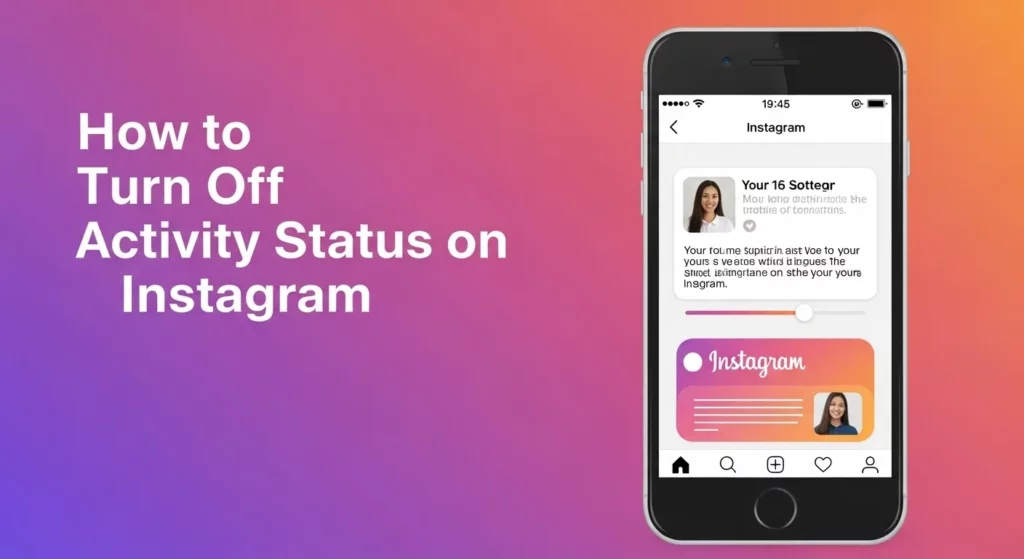
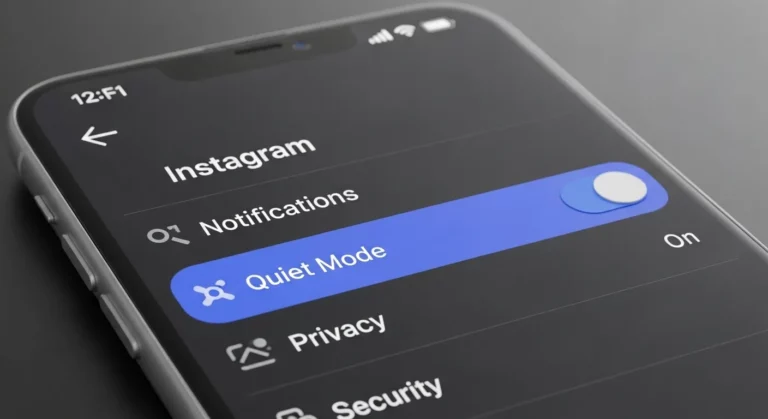
If you don’t want people to see when you were last on Instagram, you can turn off your activity status. To do this, go to your profile and tap the three lines menu (☰) in the top right. Then choose Settings and Privacy > Messages and Story Replies > Show Activity Status. Switch it off, and no one will see if you are “Active Now” or “Active Today.” Keep in mind, if you turn it off, you also won’t be able to see when other people were last active.
I did this myself when I felt too many friends were asking why I didn’t reply right away. Once I turned it off, I could use Instagram without pressure, and it felt more private. If you like scrolling or replying at your own pace, this setting can help you feel more comfortable.
Implications of Hiding Activity Status
Turning off your activity status gives you more privacy, but it also changes how others see you. Friends won’t know the last time you were online, which may cause confusion. For example, if someone sends you a message and you don’t answer fast, they may think you are ignoring them because they can’t tell if you’ve been active.
For me, hiding my status made Instagram feel calmer. I didn’t feel rushed to answer right away, and I could reply when I was ready. But if you chat a lot on Instagram, this might make it harder for friends to know the best time to message you.
Frequently Asked Questions (FAQs)
What does “Active Today” mean on Instagram DM?
When Instagram shows “Active Today” in your messages, it means the person was on Instagram sometime in the last 8 to 24 hours. If they were online more recently, you would see “Active 2h ago” or “Active 30m ago” instead. From my own use, I often see this when friends scroll late at night, and I check the next day—it just says “Active Today.” It’s Instagram’s way of saying they were around, but not in the past few hours.
Can someone appear offline while being active?
Yes, they can. Instagram has a setting that lets you hide your activity status. If it’s turned off, people won’t see when you were last online. I use this sometimes when I want to scroll quietly without people thinking I’m ignoring their messages. Just remember—if you hide your own activity, you also can’t see when other people were last online. You can find details in Instagram’s Help Center.
Difference between “Active Recently” and “Active Today”
“Active Recently” means the person was online in the last 5 to 10 minutes, but not right this second. It’s a short window of time. “Active Today” is much wider—it means the person was online 8 to 24 hours ago. I notice this a lot with my friends. If I see “Active Recently,” I know they might still reply soon. If it says “Active Today,” they probably won’t answer right away.
Conclusion
Instagram uses different labels like “Active Now,” “Active Recently,” “Active Today,” and “Active Yesterday” to show when someone was last online. “Active Today” means they were online in the past 8 to 24 hours, but not in the last few hours.
Knowing this helps you understand if someone is likely to respond soon or not. For me, this cut down on stress when waiting for replies. Instead of wondering if someone was ignoring me, I could see they just weren’t online. If you care about privacy, you can also turn off your activity status in the settings, so no one can see when you were last active.