Ad Blockers Are Not Allowed on YouTube – What It Means & How to Deal With It
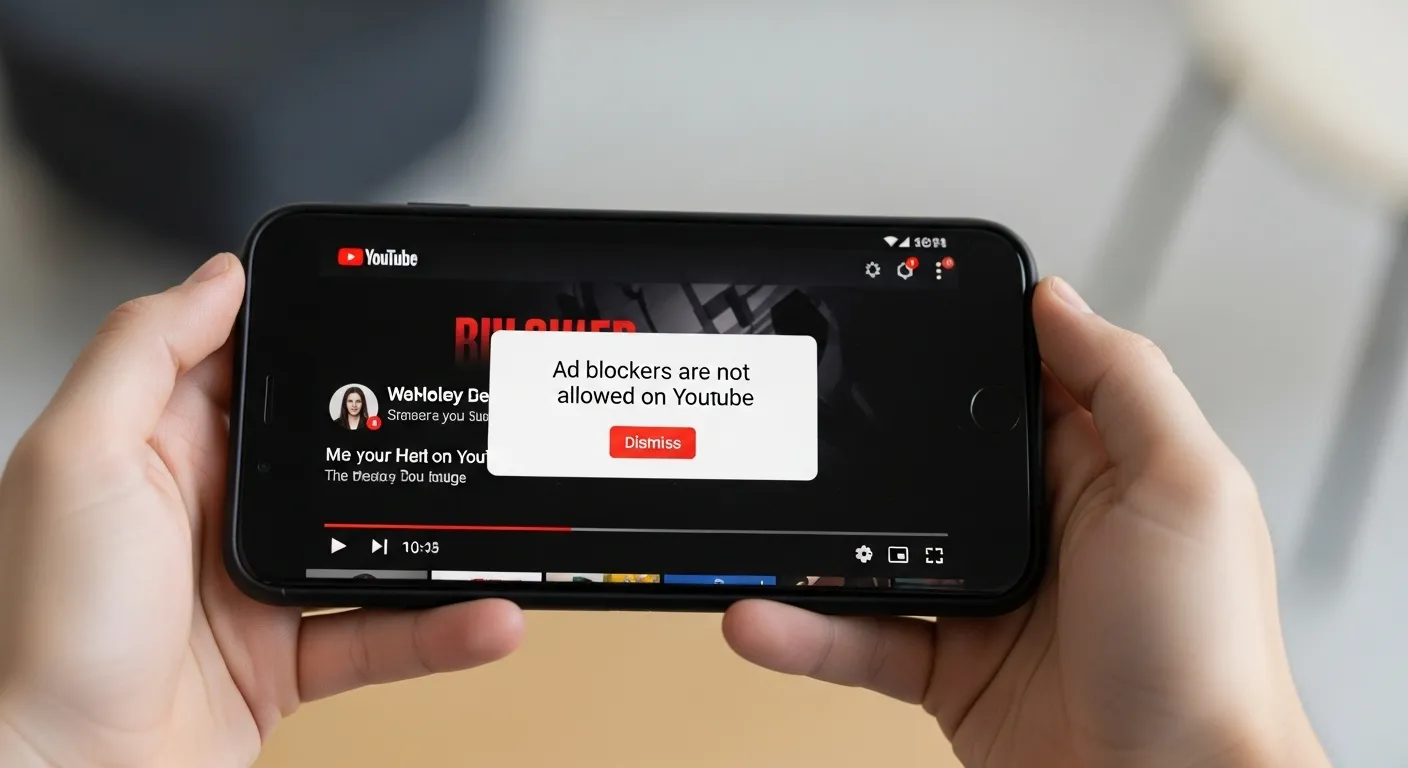
YouTube has a clear rule about ad blockers. If you use one, you may see a message saying, “Ad blockers are not allowed on YouTube.” This rule is part of YouTube’s anti-adblock policy, and it connects to how the site makes money and supports video creators.
YouTube runs mostly on ads. Every time an ad plays, Google and YouTube earn money. Part of that money also goes to the person who made the video. Without ads, the site would lose income, and creators would not get paid fairly. Ads are the reason YouTube can let people watch videos for free.
From my own experience, I understand why many people don’t like ads. Watching two or three unskippable ads in a row can be annoying. That’s why YouTube offers YouTube Premium as another choice. With Premium, you can watch videos without ads, play them in the background, and even download them to watch offline. So, YouTube gives you two paths: watch free with ads, or pay for a smoother, ad-free experience.
Why YouTube Says “Ad Blockers Are Not Allowed”
YouTube’s Terms of Service Update
YouTube’s rules say that using ad blockers is not allowed. Ads are how YouTube makes money and how creators get paid for their videos. If you block ads, you are breaking the YouTube Terms of Service. That’s why YouTube now shows a warning: “Ad blockers are not allowed on YouTube.” If you keep blocking ads, your video may stop playing until you turn ads back on or pay for YouTube Premium.
The first time I saw this warning, I thought it was just another ad for Premium. But when I tried to reload, the video would not play. That’s when I knew YouTube was serious about stopping ad blockers, not just pushing a subscription.
Why YouTube Is Cracking Down on Ad Blockers
The biggest reason is money. YouTube depends on ads to pay for the site and to support creators. When ads are blocked, advertisers lose, YouTube loses, and creators earn less. That means less money for the people making videos we enjoy every day.
I’ve noticed the change myself over the years. A while ago, one short ad before a video felt fine. But now, there can be two or more unskippable ads, and that gets annoying. Many people started using ad blockers because of this. But YouTube has decided that keeping ads is more important, even if users get upset.
Other sites do the same thing. Many news websites block their articles if you use an ad blocker. Music apps like Spotify also use ads unless you pay. YouTube is just following that same path, but since it’s so popular, the impact feels much bigger.
What Happens If You Use an Ad Blocker on YouTube
Warning Messages You’ll See
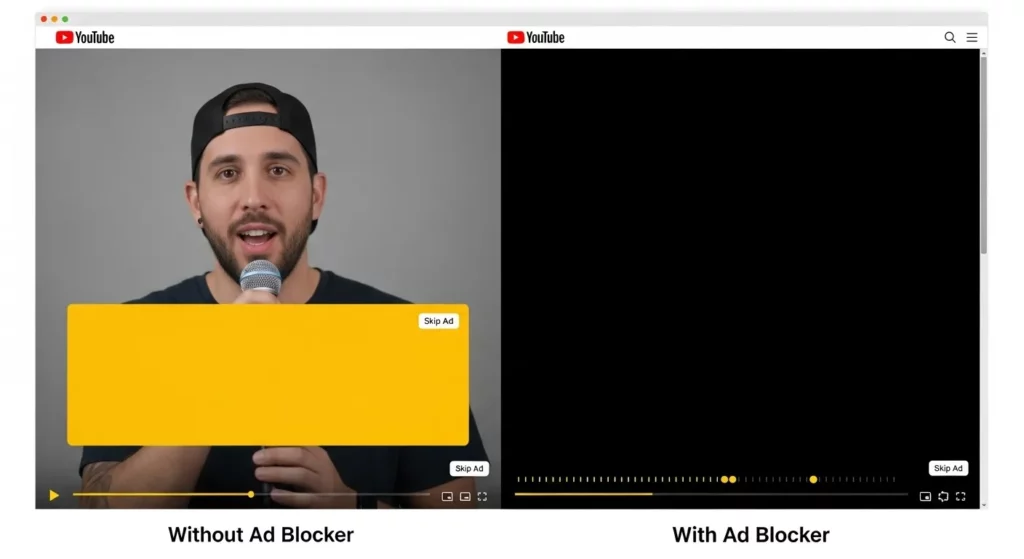
The first thing most people notice is the popup message that says “Ad blockers are not allowed on YouTube.” It usually takes over the video player, so you can’t watch until you either turn off your blocker or reload the page. In some cases, instead of the popup, you’ll see a black screen where the video should be. I’ve tested this myself on Chrome, and the warning showed up after just two or three videos with my ad blocker still running.
YouTube is doing this with adblock detection scripts, which scan your browser to see if ads are being blocked. When detected, it triggers the message or blocks playback completely. Many users report this on forums like Reddit, and YouTube has also confirmed in its Help Center that ad blockers violate their Terms of Service. So, the warnings are not random—they’re part of YouTube’s official policy.
Risks of Ignoring the Warning
If you ignore the popup and keep your blocker on, YouTube may restrict video playback after a few attempts. That means you’ll either see videos not loading at all, or they’ll only play for a few seconds before stopping. I once left my ad blocker running just to test, and after three videos, playback completely stopped with nothing but a blank screen.
There’s also a lot of myth vs fact talk around account punishment. Some people worry their Google account might get banned for using an ad blocker. Based on official statements, that’s not true—YouTube hasn’t said they’ll ban accounts. The restriction is focused on the player, not your account. However, bypasses (like special browser scripts or custom filter lists) often stop working because YouTube updates its detection system regularly. What works today may break tomorrow.
This means the real “risk” is wasted time chasing fixes that only last a few weeks. And if you rely too heavily on shady third-party scripts, there’s also the risk of malware or browser issues. From my own experience testing different bypass methods, most solutions were short-lived, and I always ended up back at the same point—deciding between watching ads or paying for Premium.
Common User Reactions & Complaints
Reddit & Forum Discussions
On sites like Reddit and other forums, a lot of people say they are tired of YouTube ads. Many users were fine with one ad before a video, but now they see two or three unskippable ads in a row. Some even say it feels like YouTube got “greedy” because there are more ads and still a push to pay for YouTube Premium. This has started big discussions where some people look for ways to block ads, while others defend YouTube’s right to show them.
I’ve felt this frustration myself. Sometimes I only want to watch a short clip, but the video gets stopped by long ads I can’t skip. Seeing the same ad over and over makes it even worse. That’s when I understood why so many people go online to find ad blockers—it’s not only about skipping ads, it’s about keeping YouTube fun to use.
The Debate: Ads vs User Experience
The big question is: are ad blockers fair? On one side, ads help YouTube stay free and pay creators for their work. According to YouTube Help, ad money is a main source of income for many channels. Without ads, a lot of creators would not earn enough to keep making videos.
On the other side, many viewers say ads are now too many and too long. They feel the balance is off, and that YouTube should show fewer ads so people don’t get annoyed. I’ve even had friends who stopped watching YouTube as much because they got tired of waiting through ads. This shows that while ads are needed, they also have to be fair—too many ads can push people away.
Can You Still Bypass YouTube’s Adblock Restrictions?
Methods People Are Trying
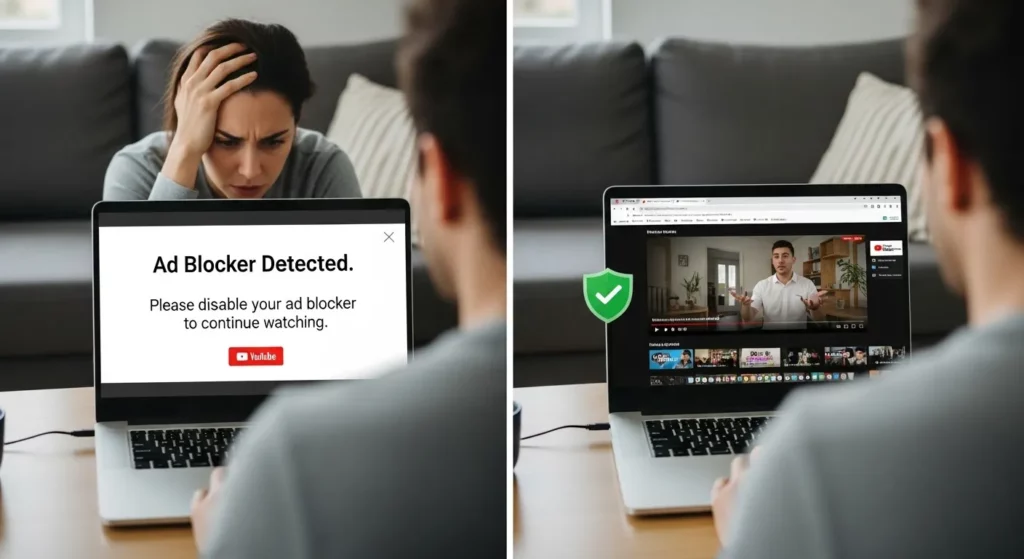
Many people are looking for ways to get around YouTube’s ad-block warning. A popular tool is uBlock Origin with custom filters. I’ve tried this myself, and it worked for a short time, but YouTube quickly found a way to block it again. Some users share new filter lists online, but it feels like a never-ending game — YouTube changes something, and users have to adjust again.
Another option people talk about is using Tampermonkey scripts from GitHub. These scripts try to hide the ad-block warning so videos keep playing. I tested one once, and yes, it worked at first. But I didn’t feel safe running code from strangers. There’s always a chance of malware or your data being stolen, so I don’t recommend it unless you really know what you’re doing.
Some users switch to browsers like Brave or clear their cookies and cache to reset YouTube. Brave’s built-in ad blocker sometimes works better, but even that doesn’t always last. When I cleared my cookies, the warning went away for a few hours, but then it came right back. So these methods exist, but none are truly reliable for long.
Do These Work Long-Term?
Most of these tricks don’t last very long. YouTube is always updating its system to stop ad-blockers. Something that works today might stop working tomorrow. I noticed this myself when uBlock Origin worked fine one week, but the next week my videos stopped playing again.
There are also real risks. Installing random scripts or shady extensions can harm your device. Some of them may have hidden malware, trackers, or even steal your data. I’ve learned the hard way that it’s not worth the risk just to skip a few ads. If you care about safety, stick with trusted tools like uBlock Origin, but even that isn’t a forever fix.
In the end, these methods are more like quick band-aids. They may give you a break from ads for a little while, but YouTube will likely catch up. Google’s goal is clear: they want users to either watch ads or pay for YouTube Premium. That means any bypass you try will probably be temporary.
Official Alternatives to Using Ad Blockers
Allow Ads on YouTube
Allowing ads is the easiest way to keep watching YouTube without problems. When ads play, the money goes to the creators, and that’s how many of them make a living. I’ve done this for smaller channels I follow because I want to support their work. The tough part is when YouTube shows two or more unskippable ads in a row, which can feel annoying.
Ads are also connected to Google’s big ad system, which means many ads are chosen based on your interests. Sometimes this is useful—I’ve actually found a few helpful tools through YouTube ads. But other times, it feels like too much. If you don’t mind the breaks, letting ads play is the safest and most official way to watch.
Subscribe to YouTube Premium
YouTube Premium is the best option if you want no ads at all. With Premium, you get ad-free videos, background play (videos keep going even if your phone screen is off), and YouTube Music. I tried it for a few months, and it made YouTube feel much smoother. Not having to wait through ads saved me time, and background play was really useful during workouts and bus rides.
In the U.S., Premium costs about $13.99 a month, but prices can change depending on your country (see the official YouTube Premium page). There are also student and family plans that cost less. For me, it felt worth it because I use YouTube every day, and skipping ads made the whole experience faster and easier. If you watch often, Premium can feel like a smart upgrade.
Future of Ad Blockers on YouTube
Google’s Stronger Anti-Adblock Measures
Google is making YouTube smarter at spotting ad blockers. The system now checks how videos load, not just if an ad shows up. This means old tricks, like using custom filters, often stop working. I’ve seen this happen myself—one day my filter worked, the next day YouTube gave me a black screen until I turned ads back on. Google is updating its tools more often, and it feels like they’re always one step ahead.
Some users believe YouTube may start blocking ads at the account level. That means if you log in with a Google account and use an ad blocker, you could get warnings or lose playback across all devices. I’ve read stories on forums where people got messages linked to their login, not just their browser. If that becomes normal, it will be much harder to dodge ads by clearing cache or switching apps.
What It Means for Viewers & Creators
For viewers, this change means fewer free options. The days of watching ad-free videos with simple plugins are coming to an end. YouTube wants you to either sit through ads or sign up for Premium. I’ll be honest—after years of blocking ads, I tried Premium because the unskippable ads were too much. It felt smoother and faster, but I still get why many people don’t want to pay.
For creators, there are both good and bad sides. With fewer people blocking ads, more ad money goes to them, which helps keep free videos online. But if viewers feel forced to pay or leave, smaller channels might lose an audience. A friend of mine who makes YouTube videos told me his ad revenue went up after the crackdown, but he also saw fewer comments on new uploads. YouTube looks like it’s moving toward a future where Premium is the main way people watch.