What Does Quiet Mode Mean on Instagram? A Complete Guide

If you’ve ever asked, “what does Quiet Mode mean on Instagram?”, you’re not alone. Quiet Mode is a tool that helps you take a break from Instagram. When you turn it on, you stop getting messages, likes, or comment alerts. It’s Instagram’s way of helping people focus, relax, or study without distractions. Your profile will also show others that you’re “In Quiet Mode.”
I remember using Quiet Mode during my exam week. My phone kept buzzing, and it was hard to concentrate. Once I turned Quiet Mode on, everything became calm. My friends got a message saying I was busy, and I didn’t feel bad about not replying right away. When I came back, Instagram showed me everything I missed in one simple list.
Quiet Mode is helpful for everyone—not just students. If you need quiet time for work, sleep, or family, this feature is perfect. Instagram made it to help people feel less stressed and more in control. According to Instagram’s parent company Meta, it’s part of their plan to support healthier online habits for young users.
What Is Quiet Mode on Instagram?
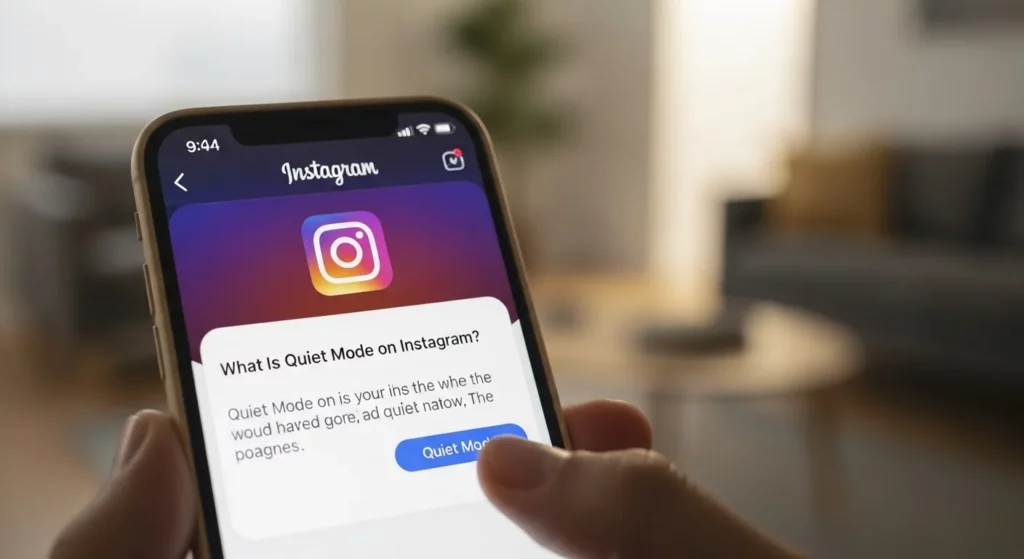
Understanding Instagram’s Quiet Mode
Quiet Mode is a setting on Instagram that turns off your notifications for a while. This means you won’t get alerts for likes, messages, or comments. When Quiet Mode is on, your profile shows a message that says “In Quiet Mode” so people know you’re busy. It helps you stay focused and spend less time on your phone. Instagram made this feature to support healthy online habits and reduce stress.
I used Quiet Mode during my school exams, and it really helped. My phone used to buzz all the time, and it made it hard to study. But once I turned on Quiet Mode, everything became quieter. I could focus better and didn’t feel like I was missing out. It gave me peace of mind and helped me finish my work on time.
Instagram’s owner, Meta, talked about Quiet Mode in an official post. They said this feature helps people take breaks and set boundaries. It works with other tools like Daily Time Limit, Restrict, and Sleep Mode. Together, these tools give you more control over how you use Instagram and help make your time online healthier and safer.
Features of Instagram Quiet Mode
Mutes All Notifications
When you turn on Quiet Mode, Instagram stops sending you alerts. This means no sounds or pop-ups for likes, comments, messages, or tags. I use this when I need to study or work. It helps me stay focused and not check my phone all the time. It’s like telling Instagram, “Hey, I need a break right now.”
Shows “In Quiet Mode” Status
While Quiet Mode is on, your profile shows a message that says, “In Quiet Mode.” This lets your friends know you’re not available at the moment. It’s helpful because people won’t expect you to reply right away. I like that it sets boundaries without needing to explain anything. It shows you’re taking time for yourself.
Sends Auto-Replies to Messages
If someone messages you during Quiet Mode, Instagram sends a quick reply for you. The message tells them you’re away and will reply later. This keeps your inbox quiet and still lets others know you’re not ignoring them. I’ve found this helpful when I don’t want to leave someone waiting. It’s polite and easy.
Summary of Missed Activity
After Quiet Mode ends, Instagram shows you what you missed. You’ll see a short list of likes, comments, and messages. This way, you won’t feel lost when you come back. It makes catching up easy and not stressful. I like that I don’t get bombarded with everything at once.
Custom Schedule Option
You can set Quiet Mode to turn on at certain times, like during school or bedtime. You can also pick which days it should work. I have mine set for evenings and weekends. This helps me stay off Instagram when I want to relax or focus. Once it’s set, you don’t have to remember—it works by itself.
How to Enable or Disable Quiet Mode
Step-by-Step Guide
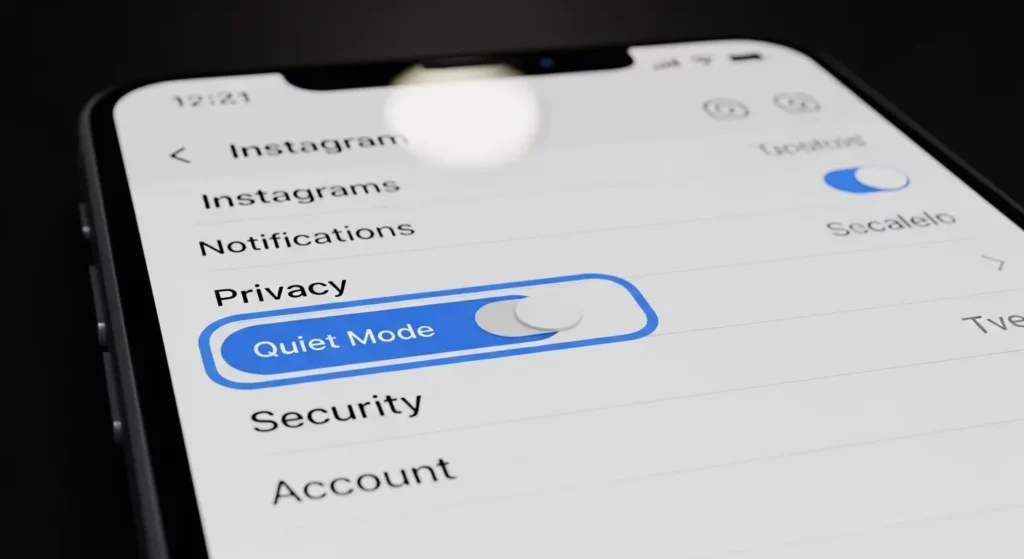
Turning on Quiet Mode is easy. First, open the Instagram app and go to your profile by tapping the picture in the bottom right. Then, tap the three lines at the top right. From the menu, tap “Settings and Privacy.”
Now, scroll down and tap “Notifications.” You will see “Quiet Mode” in the list. Tap it. Turn the switch on. You can also choose what time you want Quiet Mode to start and end. This helps when you want to study, sleep, or take a break from your phone.
I use Quiet Mode when I’m writing or working. It stops the buzzing and pop-up messages that break my focus. My friends see “In Quiet Mode” and know I’ll reply later. It’s a nice way to stay focused and still be polite.
How to Turn It Off
To turn it off, follow the same steps. Go to Profile → Settings and Privacy → Notifications → Quiet Mode. Then, turn the switch off.
When you turn it off, Instagram shows you a list of what you missed—like likes, comments, or DMs. This helps you catch up fast without feeling overwhelmed. I usually turn it off after work, and I like how it keeps everything calm and organized.
Why You Should Use Instagram Quiet Mode
Reduces Stress and Anxiety
Quiet Mode can help you feel calm. When you stop getting likes, comments, and messages, your brain gets to relax. I used Quiet Mode during my school exams, and it helped a lot. I didn’t feel as worried or stressed. It felt like turning off the noise in my head.
When you’re not checking your phone all the time, your mind feels better. Instagram says Quiet Mode helps people focus and set healthy limits. Even just a few hours a day without notifications can make you feel more peaceful.
Improves Focus and Productivity
Quiet Mode helps you get things done. If you’re doing homework or working, it keeps you from checking your phone again and again. I once used Quiet Mode while writing a school project, and I finished faster than usual. No buzzing. No distractions. Just focus.
When notifications are off, it’s easier to pay attention. Students, teens, or anyone who works from home can really benefit from it. Quiet Mode lets you choose when to use Instagram, so you stay in control.
Helps with Digital Detox and Screen Time Control
Quiet Mode is great for taking a break from your phone. You can set it to turn on at certain times, like at night or during family time. This helps you spend less time on the screen and more time doing other things you enjoy.
I use Quiet Mode before bed so I can sleep better. Instagram also sends a message to people who try to DM you, letting them know you’re away. This way, people don’t feel ignored—and you get your space. It’s a smart way to take care of yourself online.
When to Use Quiet Mode
For Students During Exams
Exams are hard, and it’s easy to get distracted. Quiet Mode helps students stay focused by stopping all notifications. I turned it on for my cousin during her final exams, and she said it helped her study better. No messages, no likes, just study time. If you’re in school, Quiet Mode can help you get better results.
During Work Hours
Work needs focus. If your phone keeps buzzing, it’s hard to get things done. I use Quiet Mode when I write or join work meetings, so I don’t get distracted. It feels like putting a sign that says “I’m busy” on your phone. This helps me stay on task and save time.
When Spending Time with Family
Family time is important. But sometimes, phones take away that time. I started using Quiet Mode during dinner, and it made a big difference. I could talk more with my family and enjoy the moment. You should try it too when you’re with loved ones.
Mental Health Breaks
Sometimes we all need a break. Social media can make you feel tired or stressed. One weekend, I used Quiet Mode and stayed off Instagram. I felt more calm and happy. It’s a great way to relax your mind and feel better.
Quiet Mode vs. Mute, Block, or Restrict

Instagram gives you different tools to control your space: Quiet Mode, Mute, Block, and Restrict. Each one works in its own way. Quiet Mode turns off all notifications and shows a status that says “In Quiet Mode.” People can still message you, but you won’t get alerts. This helps you focus or take a break without removing anyone.
I used Quiet Mode when I had school exams. I didn’t want to block or mute my friends, but I needed quiet time. Quiet Mode stopped the messages and likes from popping up. When I turned it off, I saw what I missed in one simple summary. It helped me stay focused without making anyone feel bad.
Here’s a simple table to show the difference:
| Feature | What It Does | Who Sees It | What Changes for You | Why Use It |
| Quiet Mode | Turns off alerts, shows “In Quiet Mode” | Everyone | You won’t get notifications | To focus or take a short break |
| Mute | Hides posts or stories | Only you | You won’t see their updates | If someone posts too much |
| Block | Stops all contact | The other person | They can’t find or message you | To protect your space |
| Restrict | Hides comments and DMs quietly | Only you | You approve what they say | For rude or annoying users |
Quiet Mode is the easiest choice when you just need quiet time. You don’t remove or block anyone. You’re just taking a break—and that’s okay.
What Happens After Quiet Mode Ends?
Post-Quiet Mode Experience
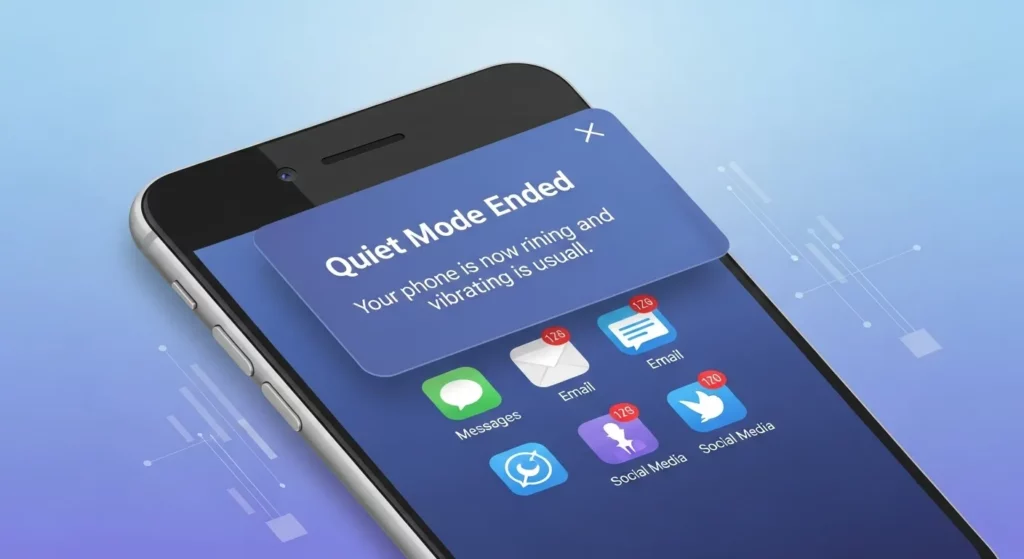
When Quiet Mode ends, Instagram shows you a quick list of what you missed. You won’t get a bunch of alerts all at once. Instead, you’ll see a summary of likes, comments, and messages. This helps you catch up without feeling stressed. It’s simple and keeps things easy to manage.
I use Quiet Mode when I need to focus—like during study time or when I’m with my family. After it ends, I get a calm update that shows who messaged me or liked my posts. I don’t feel rushed to check everything. It helps me stay in control and enjoy Instagram when I’m ready. I really think it’s a great way to take a break from the noise.
You can still check all your DMs and alerts like normal after Quiet Mode is off. Instagram doesn’t delete anything. It just waits to show it later. If you post a lot or use Instagram for work, this can help you stay focused. You decide when to be online, and when to take time for yourself.
Should You Use Quiet Mode on Instagram?
Quiet Mode on Instagram is a great way to take a break from too many alerts. When I used it during work, I didn’t keep checking my phone. It helped me stay focused and feel more calm. Quiet Mode also shows others you’re busy, so they don’t think you’re ignoring them. It’s like putting up a “do not disturb” sign for your Instagram.
If you often feel tired or stressed from social media, Quiet Mode can really help. It stops all notifications and sends an auto-reply if someone sends you a message. You can turn it on for school time, bedtime, or family time. Even Instagram’s parent company Meta says it helps people set healthy boundaries. It doesn’t delete anything—when you come back, you’ll see a short list of what you missed.
Try using Quiet Mode for just one day and notice how you feel. Maybe use it for a few hours during homework or rest time. You might find you feel more relaxed and focused. Later, you can set up a schedule that works best for you. Try enabling Quiet Mode for a day and feel the difference.
FAQs (Frequently Asked Questions)
What does Quiet Mode mean on Instagram chat?
Quiet Mode on Instagram means the person won’t get alerts when you send them a message. You can still message them, but they might not reply right away. You may also get a message back that says they are in Quiet Mode and not active right now.
Can you still use Instagram in Quiet Mode?
Yes! You can still use Instagram while Quiet Mode is on. You can scroll, like posts, and share stories. But Instagram will not send you alerts for likes, comments, or messages.
Can I use Quiet Mode for just one person?
No, Quiet Mode works for your whole Instagram. It’s not just for one person. If you don’t want to see posts or messages from one person, you can mute, restrict, or block them instead.
Will people know I’m in Quiet Mode?
Yes, they will. Your status will say “In Quiet Mode,” and if someone sends you a message, they’ll get a reply telling them you’re not active. This way, they won’t think you’re ignoring them.
What’s the difference between Quiet Mode and Do Not Disturb?
Quiet Mode is only for Instagram. It stops alerts from likes, comments, and messages. Do Not Disturb is a phone setting. It blocks all alerts from all apps, like calls, texts, and games.