Cash App Not Sending Code? Working Fixes You’ll Love!
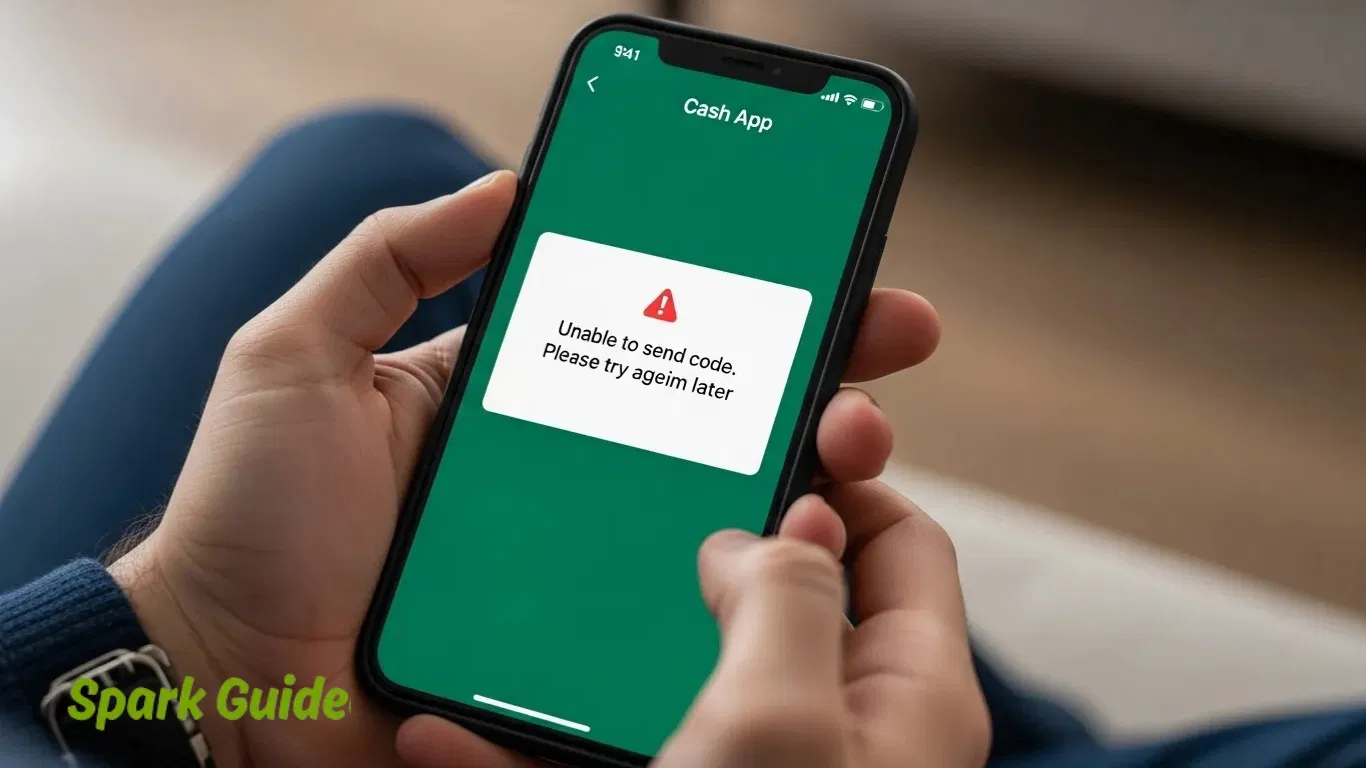
If you’re waiting for your Cash App code and it’s not showing up, don’t worry — you’re not the only one. This happens to a lot of people, and it’s usually easy to fix. Most of the time, the problem is small, like a weak phone signal, a wrong number, or the email ending up in your spam folder. It can feel annoying, but the good news is that you can usually solve it in just a few minutes.
I’ve had this happen to me before when I was trying to log in to my Cash App. I kept pressing “Resend Code,” but nothing came through. Later, I found out my phone number in the app was old. Once I updated it and restarted the app, the code showed up right away. That’s when I learned that little mistakes, like an outdated number or email, can cause big headaches.
Cash App uses two-factor authentication (2FA) to keep your account safe. This means you get a one-time code sent by text or email to prove it’s really you. If the app can’t send that code, you can’t log in. But don’t panic — there are easy ways to fix it. In the next parts, I’ll walk you through simple steps to solve your Cash App code not working or verification code not received problem so you can get back into your account fast.
Understanding How Cash App Verification Codes Work
What Is a Cash App Verification Code?
A Cash App verification code is a short code (usually six numbers) that helps keep your account safe. Cash App uses it to make sure it’s really you trying to log in or use your account. You’ll need this code when you sign in, send money, or make changes to your account. It’s like a small lock that only you can open.
When I first made my Cash App account, the code came to my phone in seconds. One time it didn’t show up right away, and I learned how important it is to have the right phone number and a good signal. This simple code helps stop anyone else from getting into your account.
When You Receive Cash App Codes
Cash App sends you a code whenever you do something important in the app. You’ll get one when you log in, try to send or receive money, or set up your account on a new phone. It’s part of Cash App’s way to make sure your money and personal info stay safe.
I remember getting a code when I switched phones. At first, I thought it was annoying, but then I realized it was for my protection. The code made sure no one else could use my account, even if they knew my password.
How Cash App Sends Codes (SMS and Email)
Cash App can send your code in two ways — through text message (SMS) or email. If you signed up with your phone number, the code will go to your text messages. If you used your email, check your inbox, and don’t forget to look in your spam or junk folders too. The code only works for a short time, so use it right away.
I like getting my code by text because it’s faster and easier. But sometimes, if the internet or signal is weak, it might take a little longer. If that happens, wait a minute or tap “resend code” in the app.
Common Reasons Why Cash App Is Not Sending Code
Wrong Phone Number or Email
The most common reason Cash App doesn’t send a code is because your phone number or email is typed wrong. Even one small mistake can stop the code from reaching you. I’ve seen this happen many times — people think Cash App is broken, but it’s really just a typo. Check that your number and email are the same ones linked to your Cash App account. If you’ve changed them recently, update your info in the app before trying again.
Weak Internet or Bad Signal
Cash App needs a good internet or phone signal to send the code. If your Wi-Fi is weak or your phone signal drops, the code may not come through. Once, when I was traveling, I couldn’t get my login code until I turned off Wi-Fi and used my phone’s data instead. Try turning airplane mode on and off, or restart your phone to refresh the signal. These quick steps often fix the problem right away.
ld or Glitchy App
If your Cash App is out of date, it might have bugs that stop the code from sending. Cash App updates often fix these kinds of problems. I had this issue myself once, and it was fixed after updating the app. Go to the App Store or Google Play, check for updates, and install the newest version. Keeping your app updated helps it run smoother and safer.
VoIP Numbers (like Google Voice) Don’t Work
Cash App doesn’t send codes to VoIP numbers such as Google Voice, TextNow, or Skype. These are internet numbers, not real cell phone numbers, and Cash App blocks them for safety reasons. If you’re using one of these, switch to your main mobile number from your phone carrier. Cash App talks about this rule in their official help center, so it’s not a bug — it’s how their system works.
Blocked Messages or Spam Filters
Sometimes, your phone or email stops the Cash App code from showing up. Spam filters, SMS blockers, or “Do Not Disturb” settings can block messages from unknown numbers. I helped a friend fix this once by unblocking short codes on their phone, and the code came in right away. If you’re waiting for an email, check your spam or junk folder. Mark emails from “@cash.app” as safe so you don’t miss them next time.
Cash App Server Problems
Once in a while, Cash App’s own servers have issues. When that happens, many users can’t get their verification codes at the same time. It’s not your phone — it’s Cash App’s system. You can visit their status page to see if there’s an outage. If there is, just wait a bit — your code will come once the servers are working again.
Basic Troubleshooting Steps (Quick Fixes)
When Cash App won’t send your code, don’t worry. Most of the time, it’s a small problem you can fix fast.
Check your phone number or email
Make sure you typed your phone number or email the right way. Even one small mistake can stop the code from coming. I once typed “.con” instead of “.com,” and I waited forever for a code that never came. Look closely and fix any typos, then try again.
Resend the code
If you didn’t get the code, tap “Resend Code.” Sometimes texts or emails are just slow. Wait a few seconds, then try again. Make sure your phone has good signal or Wi-Fi before you resend it.
Check your spam or junk folder
If you’re waiting for an email, look in your spam or junk folder. Email apps sometimes think Cash App messages are spam by mistake. You can also type “Cash App” in the search bar to find it faster. Add @cash.app to your safe list so future codes go to your inbox.
Restart your phone
This sounds too simple, but it really helps. Restarting clears small glitches that block messages. When I worked in support, restarting the phone fixed this problem for a lot of people. After it turns back on, open Cash App and ask for a new code.
Advanced Troubleshooting Methods
If the easy steps didn’t work, don’t give up. These next steps fix deeper app problems.
Reinstall or update Cash App
Sometimes the app is just out of date. Go to the App Store or Google Play Store and check for updates. If that doesn’t help, delete and reinstall the app. This gives you a clean version with fewer bugs. Always download from the official link at cash.app/download.
Clear app cache and data
Old app files can cause login issues. On Android, go to Settings → Apps → Cash App → Storage → Clear Cache. This deletes junk files so the app can run fresh again. You may need to log back in, but that’s okay—it’s part of the fix.
Try logging in with email instead of phone (or vice versa)
If you don’t get the text code, try using your email to log in. If the email doesn’t work, switch back to your phone number. I helped a friend with this problem once—he didn’t get text codes, but the email worked right away.
Disable battery saver or app limits
Some phones block apps to save power. This can stop Cash App from working right. Go to your phone’s settings and make sure Cash App isn’t restricted. Let it run in the background so it can get your code faster.
Turn off VPN or proxy
If you’re using a VPN, turn it off for a bit. Cash App might think you’re signing in from another country and stop sending codes. Once you log in, you can turn your VPN back on.
Special Case: Cash App Not Sending Code to VoIP Numbers
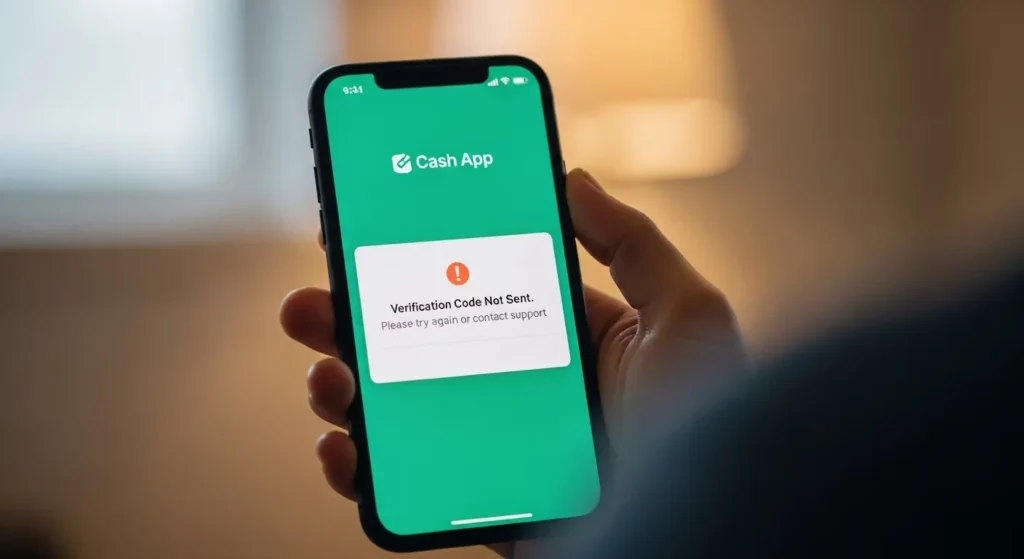
Why Cash App blocks VoIP numbers
Cash App doesn’t send codes to VoIP or internet numbers like Google Voice, TextNow, or Skype. These numbers can be changed or hidden, which makes them less safe. Cash App needs real phone numbers to keep your account secure.
How to check if your number is VoIP
Go to FreeCarrierLookup.com and type your phone number. If it says “VoIP” or “Google Voice,” that’s the problem. You’ll need a real mobile carrier number like Verizon, AT&T, or T-Mobile to get your code.
What to do if you’re using Google Voice, TextNow, or Skype
If your Cash App account uses a VoIP number, update it with your real phone number. Or you can log in with your verified email instead. I tried using a Google Voice number once—it worked for a while, then the codes stopped coming. When I switched to my regular cell number, everything worked fine again.
Cash App Code Not Coming to Email (Gmail, Yahoo, Outlook)
If your Cash App code isn’t showing up in your email, don’t worry — this is a common problem. Sometimes the message goes into your Spam, Promotions, or Updates folder. I once helped a friend who couldn’t find her Cash App code, and it turned out to be sitting in the Promotions tab the whole time. Try typing “Cash App” into your email search bar. This helps you find the message faster if it’s hiding somewhere.
If you still can’t see it, add no-reply@cash.app to your safe sender list. This tells your email (like Gmail or Outlook) that messages from Cash App are trusted. You can also open a past Cash App message and mark it as “Not Spam.” For Gmail users, check Settings → Filters and Blocked Addresses to make sure Cash App emails aren’t being moved somewhere else. These quick fixes often solve Cash App email code problems right away.
Also, check that your email app is syncing correctly. If it’s not, new messages won’t show up. Go to your phone’s settings and turn on “Auto Sync,” or refresh your inbox by swiping down. Make sure you’re connected to Wi-Fi or have good signal. Keeping your email app updated and clearing old data can help new Cash App verification emails come through without delay.
Cash App Code Not Coming to Phone (SMS Issues)
If you’re waiting for a Cash App code by text and it’s not showing up, start by checking your cell signal. If you’re in a low-signal area, texts may take longer to arrive. I had this happen once while traveling — my code showed up only after I moved to a better spot. You can also turn Airplane Mode on and off to reset your phone’s connection.
Next, make sure you haven’t blocked Cash App’s number or turned on Do Not Disturb. These settings can stop the text from coming in. Go to your messaging app and check your blocked numbers list. If you see a short code (like a 5- or 6-digit number), unblock it. Keeping your phone’s software updated can also fix Cash App text message issues that come from bugs or old settings.
If the code still doesn’t come, check that your SIM card is active and working. You can try putting it in another phone to see if the text arrives. Some mobile carriers block short codes by default, so if you think that’s the case, call your provider and ask them to enable it. If nothing works, you can log in using your email instead of phone. It’s a safe and easy backup when Cash App OTP messages don’t come through.
When to Contact Cash App Support
If you’ve tried everything — checked your number, reinstalled the app, and switched between phone and email — but still can’t get your Cash App code, it’s time to contact Cash App Support. The best way is through the Cash App itself. Open the app, tap your profile picture, scroll down, and choose Support → Something Else → Can’t log in or Didn’t receive code. You can also go to the official website at cash.app/help. Never call random phone numbers or message people online who claim to be support. Many scammers try to trick users this way.
When you contact support, explain your problem clearly. Share your Cash App email or phone number, but never give out your PIN or full card details. Tell them what you’ve already tried so they can help faster. From my experience, giving clear details helps you get a real fix instead of the same basic advice. The support team will respond by email or through the app with steps to solve the issue.
Cash App has official support only through the app, the help website, and its verified Twitter account @CashApp (look for the blue checkmark). Cash App doesn’t have a public phone number for most users. If someone calls you saying they’re from Cash App, hang up right away. Only trust official links from the app or website. Staying alert keeps your money and account safe.
Preventing Future Cash App Verification Issues
To avoid problems later, keep your phone number and email updated in Cash App. If you get a new phone or number, change it in your account right away. That makes sure your next login code goes to the right place. I learned this the hard way once when I forgot to update my number — it took me hours to get back in.
Also, keep the app updated. Updates fix bugs that can stop codes from sending. On both Android and iPhone, you can turn on automatic updates so you never miss one. Try not to use VoIP numbers (like Google Voice or TextNow) because Cash App doesn’t always send codes to them. Always use a real mobile number linked to your SIM card.
Make sure notifications are turned on and that you have a strong signal or Wi-Fi connection when you log in. If your phone is blocking messages or has poor service, you might not get your code. Cleaning your phone’s cache and letting Cash App send notifications helps a lot. A few simple habits — like keeping your info current, updating the app, and checking your signal — can keep your Cash App account secure and your logins easy every time.
FAQs (Frequently Asked Questions)
Why is my Cash App not sending me a verification code?
If you don’t get your Cash App code, don’t worry — it’s usually an easy fix. Most of the time, it happens because your phone number or email is wrong, your signal is weak, or you’re using a number from Google Voice or another internet app. Cash App only sends codes to real phone numbers and emails. I had this problem once when I got a new phone and forgot to update my number in the app. Once I fixed it and restarted my phone, the code showed up in seconds.
How long does it take to get a Cash App code?
Cash App usually sends the code in less than a minute. Sometimes it can take a few minutes if your internet or phone signal is slow. If you don’t get it after a few minutes, check your text messages and email spam folder. You can also turn your phone’s airplane mode on and off to refresh your signal. That small step has worked for me more than once when I was waiting for the code.
Can I use Cash App with a Google Voice number?
No, you can’t use a Google Voice or other internet number with Cash App. Cash App only sends verification codes to real mobile phone numbers. I tried using a Google Voice number once, and the code never came through. To fix this, use a phone number that’s connected to your cell service, not one from an app.
What to do if Cash App code is not received by email or text?
If your code isn’t showing up, start by checking your spam or junk email folders. If you’re waiting for a text, make sure your phone has good signal and that your inbox isn’t full. Try logging in with your email if the phone code isn’t coming, or the other way around. One time my code wouldn’t show up by text, but it came right away in my email — so switching methods can help.
How do I contact Cash App support for verification issues?
The best way to reach Cash App support is inside the app or by visiting their official site: cash.app/help. In the app, tap your profile, then choose Support → Something Else → Can’t sign in and explain the issue. Never call random phone numbers online claiming to be Cash App — those are often scams. When I contacted Cash App through the app, they answered fast and fixed my problem safely.
Conclusion
If Cash App isn’t sending your code, the problem is often something small — like a weak signal, an old app version, or the wrong phone number. Start with the easy fixes: check your info, resend the code, and restart your phone. If that doesn’t work, try reinstalling the app or using your email instead of your phone.
If nothing helps, contact Cash App Support at cash.app/help. They can check your account safely and help you get back in. Once your number and email are updated, Cash App codes usually arrive right away. Keeping your info current helps your account stay safe and easy to use.