What Does Restrict Mean on Instagram? A Complete Guide to the Feature

Instagram’s Restrict feature is a tool that helps you keep your space safe. When you restrict someone, their comments on your posts will only be seen by them and you. If they send you a message, it won’t go straight to your inbox—it will go to a hidden folder called Message Requests. This way, you can control how people talk to you without blocking or unfollowing them.
Instagram made this feature to stop online bullying and help users feel safer. It’s great for handling people who make you feel uncomfortable. Unlike blocking (which cuts off everything) or muting (which just hides their posts), restricting gives you quiet control. The person won’t know you did anything, but you still stay in charge.
What Does “Restrict” Mean on Instagram?
The “Restrict” feature on Instagram lets you quietly control how someone interacts with you. When you restrict a person, their comments on your posts are only visible to them and you. Their messages go into your Message Requests folder, and you don’t get alerts when they message you. They also can’t see if you’re online or if you’ve read their message. It’s a way to protect your space without blocking them.
I’ve used this feature myself when someone was commenting things that made me feel uncomfortable. I didn’t want to block them and cause a big issue. So, I restricted them. Their comments stopped showing up for others, and I didn’t have to reply to their messages unless I wanted to. It helped me feel more in control.
People use this feature when they don’t want drama but still need some distance. It works well if someone is annoying, rude, or bothering you, but you don’t want to block them. Restricting helps you stay safe and keep your Instagram a friendly place without them even knowing anything changed.

What Happens When You Restrict Someone on Instagram?
When you restrict someone on Instagram, it’s like putting a soft barrier between you and them. They can still see your posts and send messages, but you get more control. I once had someone who commented a lot on my posts—nothing rude, just stuff that made me uncomfortable. Instead of blocking them, I used the Restrict button. It worked great and didn’t cause any drama.
Limited Comment Visibility
When a restricted person comments on your post, only you and they can see it. No one else will see it unless you say it’s okay. Instagram gives you three options: approve, delete, or ignore the comment. This helps you keep your page safe and clean. I’ve done this with someone who always left strange emojis—they never knew their comment wasn’t public!
Messages Go to Message Requests
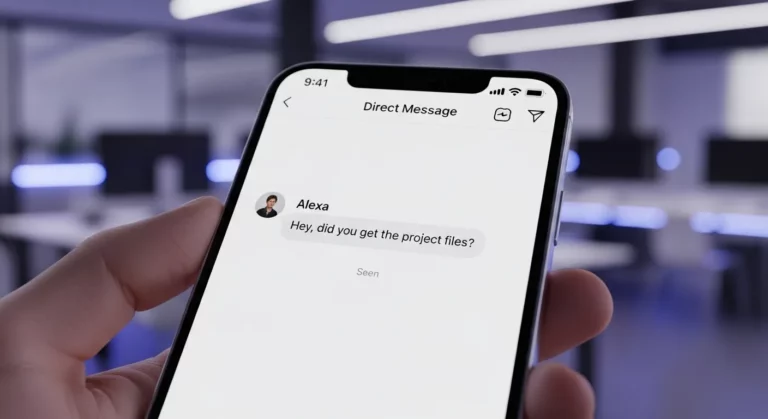
If the restricted person sends you a message, it goes into your Message Requests. You won’t get a notification, and they won’t know if you read it. I used this once when someone kept messaging me over and over—it gave me space without needing to block them. You can still open their message if you want, but they’ll never see the “Seen” mark.
Hidden Activity Status
Restricted users can’t see if you’re online or when you’ve read their message. Instagram hides your activity status from them. I like this part because it helps me use Instagram without feeling watched. It’s good if you want to avoid someone, but still stay active on the app.
No Tags, Mentions, or Remixes
When someone is restricted, they can’t tag you in posts or mention you in stories. They also can’t remix your Reels. That means they can’t use your content in their videos. I find this useful when I want to keep my content private or protect my space from certain people. It’s a smart way to stay in control without making a big scene.
How to Restrict Someone on Instagram
Via Profile
You can restrict someone right from their Instagram profile. Just go to their profile, tap the three dots (⋯) at the top right corner, and choose “Restrict.” Now, their comments will only be seen by you and them. Their messages will go to your message requests, not your inbox.
I’ve used this before when someone was acting strange but I didn’t want to block them. Restricting them kept things quiet. They didn’t know anything changed, and I felt better.
This is a good way to stop someone from bothering you without making a big deal. It’s private, simple, and they won’t get any alert.
Through Comments
If someone leaves a comment on your post that feels rude or weird, you can restrict them right there. Just tap and hold the comment, then tap the “i” or three dots, and pick “Restrict.” Now, that person’s future comments will be hidden from others unless you approve them.
I had someone once post random emojis on every photo. It wasn’t mean, just annoying. I didn’t want to start drama, so I restricted them quietly.
This is great if you post a lot and want to keep your page clean. It helps stop bad comments without blocking anyone.
From Direct Messages
If someone sends too many messages or makes you feel uncomfortable, you can restrict them in Direct Messages (DMs). Open the chat, tap their name at the top, scroll down, and tap “Restrict.” Their future messages will go to Message Requests, and they won’t see when you’re online or if you read their message.
One time, a follower kept replying to every story I posted. It wasn’t bad, just too much. I restricted them, and things got quiet without blocking them.
This is helpful if someone is acting too clingy or talking too much. It gives you space without hurting anyone’s feelings.
How to Unrestrict Someone on Instagram

If you want to unrestrict someone on Instagram, it’s easy. Open the Instagram app and go to your profile. Tap the three lines in the top right corner, then choose Settings and Privacy. Scroll down and tap Restricted Accounts. Find the person’s name and tap Unrestrict next to it. That’s it—they are unrestricted now.
I once restricted a friend who kept messaging me too much. Later, we talked and sorted things out. I didn’t want to block them, just needed space. When I felt okay, I went back and unrestricted them. It only took a few taps, and they could message me like normal again.
After you unrestrict someone, things go back to normal. They can see when you’re online, and their messages go straight to your inbox. If they comment on your posts, everyone can see those comments. They can also tag you in posts and stories again. It’s like they were never restricted.
Will the Person Know If You Restrict Them?
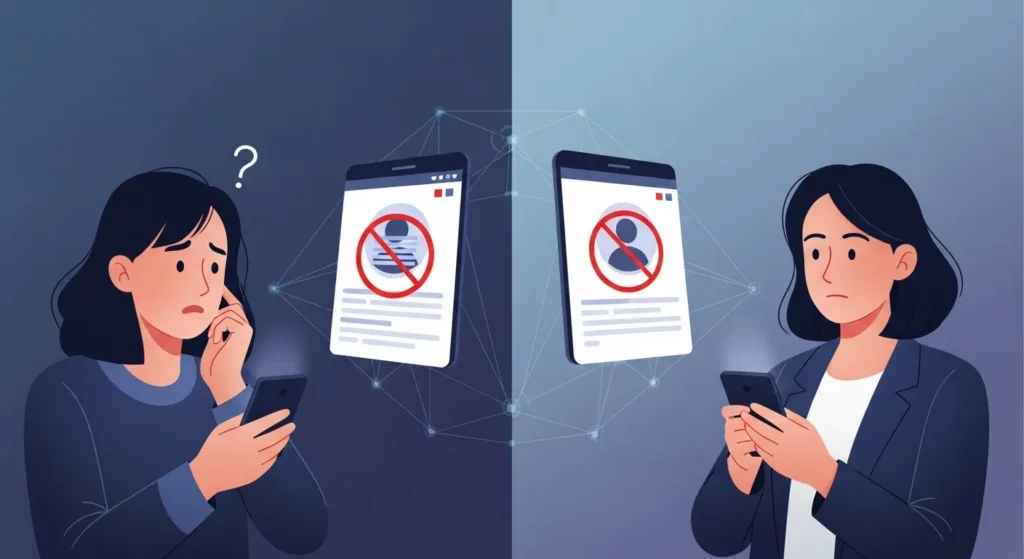
No, Instagram doesn’t tell the person when you restrict them. They can still follow you, comment, and send messages, but they won’t know anything has changed. Their comments are only visible to them and you, unless you choose to show them. Their messages go to your Message Requests, and they won’t know if you read them. It’s a quiet way to protect your space without making a big deal.
I’ve used this feature before when someone kept leaving rude comments on my posts. I didn’t want to block them, but I also didn’t want their comments to show. So, I restricted them. They kept commenting, but no one else could see what they wrote. It gave me peace without creating a fight.
Sometimes, the person might feel something is different. They might wonder why you don’t reply to their messages or comments. They also won’t see if you’re online or if you’ve seen their message. But unless they really pay attention, they won’t know for sure that they’ve been restricted.
Can a Restricted Person Still See Your Posts and Stories?
Yes, they can still see your posts and stories if your account is public or they follow you. Restricting someone does not hide your content from them. It only controls how they talk to you or interact with your posts. They can still scroll through your photos and watch your stories like normal.
I remember doing this once with someone who made me feel uncomfortable. I didn’t want to block them, so I restricted them. They could still see my stuff, but I felt better knowing they couldn’t comment in a way others would see.
Can a Restricted Person Comment on Your Posts?
Yes, they can leave comments — but only you and they can see those comments. Nobody else will see what they wrote unless you choose to approve it. It’s like their message is in a locked box, and you hold the key.
This was really helpful for me once. Someone kept posting weird comments on my photos. I restricted them, and their comments stopped showing to others. That gave me peace without causing drama.
Can a Restricted Person Still Message You?
Yes, they can still send you messages. But their messages go to your Message Requests, not your regular inbox. You won’t get any notification, and they won’t know if you’ve read their message or not. It’s a quiet way to keep your space.
I used this once when someone I didn’t know well kept messaging me too much. After I restricted them, their messages didn’t pop up anymore. I could check them later, only if I wanted to.
Can a Restricted Person Know They Are Restricted?
No, they won’t get a message saying they’ve been restricted. Everything will look normal to them. But sometimes, they may guess it — like if their comments never get replies, or their messages say “Sent” but not “Seen.”
Still, there’s no official way to check if someone restricted you. I’ve seen people try using apps to find out, but those aren’t safe or accurate. That’s why the restrict tool works well — it’s private and gives you quiet control.
Restrict vs Block vs Mute vs Report: What’s the Difference?
Instagram gives you four tools to manage people who bother you: Restrict, Block, Mute, and Report. Each one works in a different way. I’ve used all of them at some point, and they help keep my Instagram safe and calm.
Restrict
When you restrict someone, it’s like putting up a quiet wall. I once had someone who kept leaving odd comments. They weren’t mean, but they made me uncomfortable. So, I restricted them. Only they and I could see their comments, and their messages went to my Message Requests. They never knew I did it. It was the perfect way to keep things peaceful without starting a fight.
Block
Blocking is like locking your door. The person won’t see your posts, stories, or messages anymore. I blocked someone once who sent too many unwanted messages. After blocking, they couldn’t find my profile at all. It’s strong and final — great when someone makes you feel unsafe or stressed.
Mute
Muting is an easy way to stop seeing someone’s posts or stories without unfollowing them. I’ve muted a few friends who post too much or talk about things I’m not interested in. They don’t get a notification, and I still follow them. It keeps my feed clean without hurting anyone’s feelings.
Report
Reporting is for serious problems. If someone is bullying, pretending to be someone else, or posting bad things, you can report them. I’ve done it before when a fake account messaged me. Instagram checks the report and may remove the account if it breaks the rules. Don’t worry — the person won’t know it was you.
Quick Table: What Each Option Does
| Feature | Restrict | Block | Mute | Report |
| Hides Comments | ✅ | ✅ | ❌ | ❌ |
| Hides Messages | ✅ | ✅ | ❌ | ❌ |
| No Notifications to You | ✅ | ✅ | ✅ | ✅ |
| They Get Notified? | ❌ | ❌ | ❌ | ❌ |
| Removes Them as Follower | ❌ | ✅ | ❌ | ❌ |
Each tool is made to help you feel safe and in control. Whether someone is just annoying or truly harmful, Instagram gives you a way to handle it quietly or strongly — your choice.
Why Use the Restrict Feature on Instagram
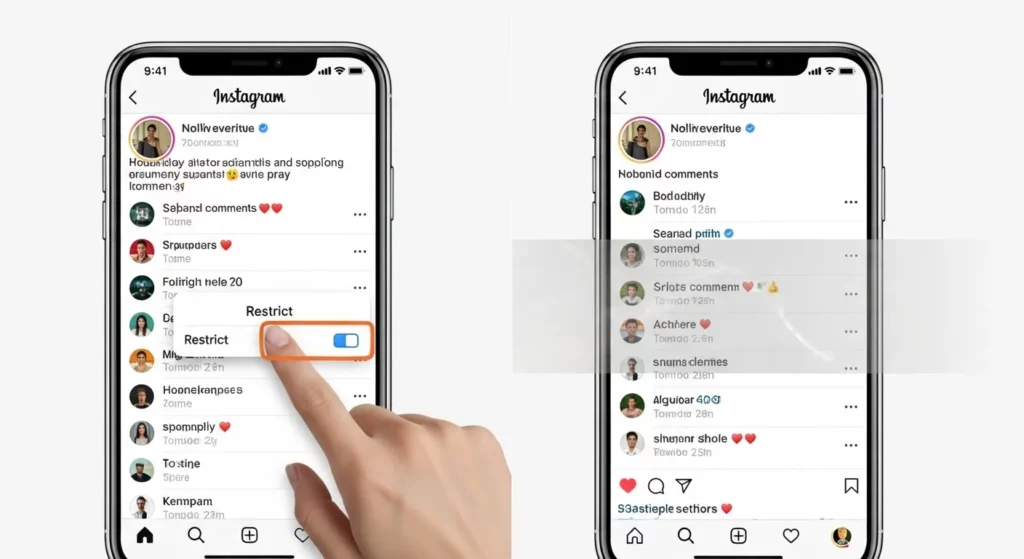
Sometimes, blocking someone feels too strong. If you want to stop someone from bothering you without making a big deal, the Restrict feature is perfect. When you restrict a person, their comments are only seen by you and them. They can still send you messages, but you won’t get a notification unless you check your Message Requests.
I’ve used this feature many times while managing Instagram pages. Once, someone kept leaving weird comments on my posts. Instead of blocking them, I restricted them. That way, they didn’t know I did anything, and their comments stayed hidden from others. It really helped me keep things calm.
You can also use restrict if someone is bothering you but you don’t want to unfollow or block them—like a classmate or relative. They won’t see when you’re online, and they won’t know if you read their messages. It’s an easy way to protect your space on Instagram.
How to Know If You’ve Been Restricted by Someone on Instagram
Instagram doesn’t tell you if someone restricts you. But there are a few signs. If your messages don’t say “Seen” anymore, even after a long time, they might have restricted you. You also won’t see when they were last online or if they’re active.
Once, I thought someone restricted me, so I used another account to check. I left a comment on their photo, but that comment didn’t show when I checked from my second account. That’s how I found out they had probably restricted me.
Still, there’s no sure way to know. Instagram keeps it private on purpose. If someone stops replying or seems distant, they may have used this feature. It’s best to give them space and not worry too much.
Final Thoughts
The Restrict feature on Instagram is a smart way to stay safe online. I’ve used it many times when someone was being rude or just making me feel uncomfortable. Instead of blocking them, I used Restrict. That way, they could still follow me, but their comments and messages didn’t bother me. It gave me control without starting any drama.
FAQs (Frequently Asked Questions)
What is the difference between mute and restrict?
Mute means you won’t see someone’s posts or stories, but they can still see yours. It’s like turning off their updates without unfollowing them.
Does restricting someone hide my story?
No, restricting someone does not hide your story. If your account is public, they can still watch your stories. If your account is private and they follow you, they can still see them too.
Can restricted users still like my posts?
Yes, they can still like your posts. They can also leave comments, but only you and they can see the comment unless you approve it.
Is restricting someone the same as soft blocking?
Not really. A soft block is when you block someone and then unblock them so they stop following you. Instagram doesn’t have a button for that—you have to do it yourself.